
Garmin Index Smart Scale support
Data from the Garmin Smart Scale is now auto-synced to SportTracks
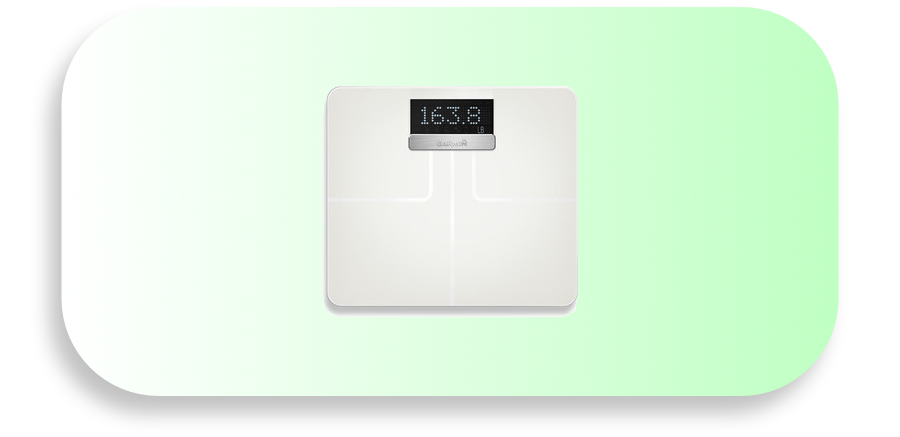
We're excited to announce that SportTracks is now integrated with the Garmin Index™ Smart Scale! Every time you step on your scale, your current weight and body fat percentage will automatically be sent to SportTracks, and displayed in charts on your Health page.
In addition, your entire history of smart scale measurements will be brought into SportTracks, so you can more effectively analyze your progress season over season. After you enable this integration, the transfer of data takes place automatically in the background, thanks to the Wi-Fi connectivity of the Garmin scale.
SportTracks collects more fitness data from your Garmin Index Smart Scale in addition to weight and body fat percentage. Keep an eye out for updates in the near future that take full advantage of this new integration!
How to get it running
New SportTracks users:
This integration will work as soon as you enable auto-sync with Garmin. Your entire smart scale history from Garmin Connect will be imported into SportTracks when you link these accounts.
Existing SportTracks users:
If you already have SportTracks linked with Garmin Connect, you need to re-authorize this link. This is how to do it:
- In the upper right corner of SportTracks, select your profile picture, then press the My account button
- On the next page, select the Sharing tab on the left side of the screen
- Under Connected Services, locate Garmin Connect, then press the Remove button
- Next, press the (+) Connect button, and then select Garmin Connect
- Authorize the connection between SportTracks and Garmin Connect (you may need to log in)
- You do not need to select the "Import all history" option, leave that box unchecked
- You're finished!
Selecting the "Import all history" option is unnecessary because this information will be brought into SportTracks automatically.
We've offered a similar integration with the Withings Smart Body Analyzer and Wireless Scale for a long time now, and we couldn't be happier to also include Garmin. We sincerely hope this integration is beneficial for you. If you have any questions, we encourage you to post them in the Comments section below...
| Article written by Sam Mallery, Director of Marketing, Zone Five Software Inc. |
Comments
Thank you for this addition to the family of connected devices.
However, when I read your text above I get conflicting information.
You write: “your current weight and body fat percentage will automatically be sent to SportTracks” and “SportTracks collects more fitness data from your Garmin Index Smart Scale in addition to weight and body fat percentage”
So, what gets transferred to SportTracks?
Best regards,
//Peter
SportTracks will also import muscle mass, bone mass, and body water percent - metrics are available on the health tab by customizing the panel.
I have been syncing my Garmin data for quite sometime using the mechanism described in this article. I just bought a Garmin Index scale for the first time today. I weighed myself. I see the data in Garmin Connect, but I do not see it in SportTracks. Do I need to disconnect my Garmin Account from SportTracks and then RE-connect it? Or, should the scale data just start replicating into SportTracks just as all my other data has been for these many months? Is there a delay/lag? I'm concerned that the data from my weighing just now did not come across to SportTracks instantly as all my other Garmin data typically does.
[EDIT] Nevermind....I'm one of those idiots that doesn't read everything carefully before giving up. I just re-read this article and found that it answers my question directly. Duh!
But is data available only on .mobi version? not on standalone installation?